Adapt written material
A script, outline, or concise article can provide the structure for a narrated video. This is useful when the original message already exists but needs a visual presentation.
Plain-English answer
Fliki is used to turn written ideas or scripts into narrated video content. It can help assemble a first draft, but the creator still needs to check the words, visuals, pacing, and final result.
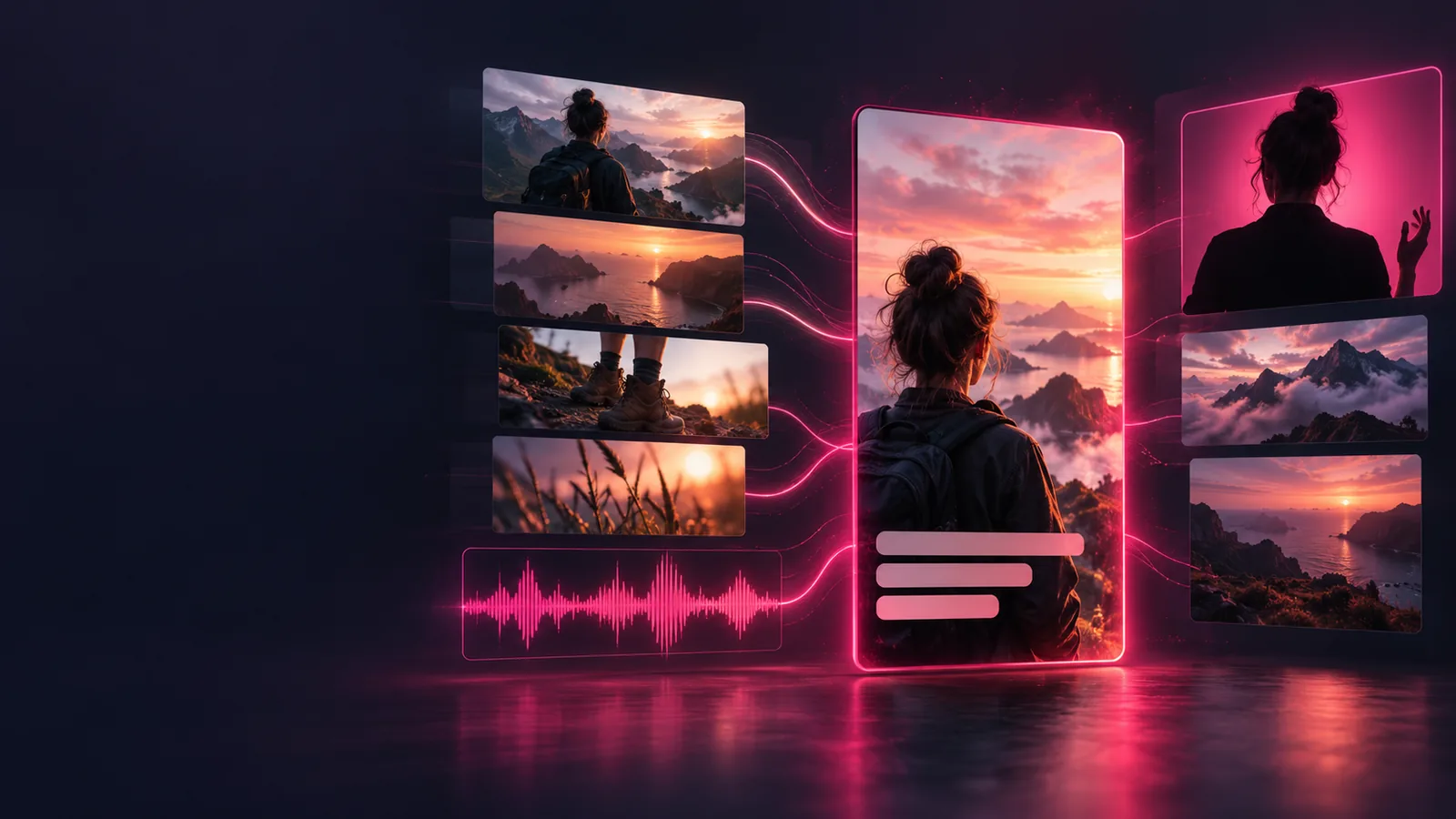
The workflow starts with the message, not the footage. Treat each stage as a draft you can assess before publishing.
Begin with a short script or a focused piece of source material. Split long passages into scenes so each idea has room to land.
Use Fliki to bring narration and visuals alongside the text. Check whether the sequence explains the idea rather than merely illustrating individual words.
Listen for pronunciation and pacing, inspect every visual, and correct factual or brand-specific details before using the result.
Fliki is most useful when you have something to say but have not yet assembled it into a video.
A script, outline, or concise article can provide the structure for a narrated video. This is useful when the original message already exists but needs a visual presentation.
Narration helps make text suitable for viewing rather than reading. Write sentences for the ear, then listen closely for awkward emphasis, names, and technical terms.
Scenes can pair the spoken message with supporting visuals. The strongest choices clarify a point; decorative footage alone will not make a weak script persuasive.
If you already know which part of the process matters most, these guides narrow the question.
A generated draft is not a substitute for editorial judgment.
Fliki cannot establish that a claim in your source text is accurate. An engaging voiceover can make an error sound confident.
WorkaroundCheck names, figures, quotations, and sources against reliable references before publishing.
A visual may match a word in the script while missing its intended meaning or context.
WorkaroundWatch the complete sequence and replace any scene that confuses the message.
Fliki cannot decide whether an explanation is appropriately detailed for your viewers.
WorkaroundGive the draft to someone in the intended audience and revise unclear sections.
Fliki fits into a longer shift toward making videos from material that begins as writing.
Computer-based editing makes it practical to arrange images, sound, and titles without cutting physical film.
YouTube launches, helping make web video a familiar way to share explanations and stories.
Creators increasingly plan for viewers watching on phones, often with limited time and attention.
Tools such as Fliki bring writing, narration, and visual assembly closer together, while leaving review and publication decisions with the creator.
The common starting point is a message worth explaining. A creator may adapt an outline, an educator may simplify a lesson, and a team may repurpose approved copy.
A clear topic and the main point viewers should remember
RequiredA narrow brief is easier to turn into a coherent sequence.
A script or source text you have permission to use
RequiredReview both the accuracy of the text and your right to reuse it.
A person available to review the finished draft
RequiredSomeone should check the spoken words, visuals, and overall meaning.
An example of the intended tone or audience
OptionalThis can help you judge whether the draft feels appropriate.
Brand terminology and pronunciations
OptionalKeep a list when names or specialist terms matter.
A brief, accurate script gives any video workflow a better foundation. Explore the creation experience, then review the resulting narration and scenes against your original purpose.
Explore video creationFliki is used to make narrated video content from written ideas or scripts. It helps bring words, voice, and visuals into a draft that a person can review and revise.
An article can be a starting point, but it usually needs editing before it works as a spoken script. Shorten dense passages, choose one clear takeaway, and check that each scene supports it.
No advanced editing background is needed to understand the script-led workflow. You still need to make editorial choices about accuracy, pacing, narration, and whether the visuals communicate the right idea.
It can help produce a video draft without beginning with filmed footage, depending on the story you want to tell. It does not replace filming when authentic demonstrations or real people are essential, and every draft still deserves human review.